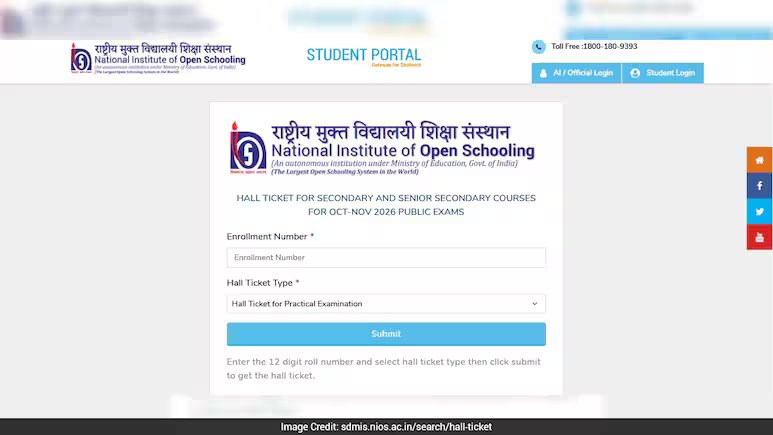
Students must verify details like name, roll number, exam center, dates, and timings.
The National Institute of Open Schooling (NIOS) has released the admit cards for the Class 10 and Class 12 examinations. Students who have registered for the exams can now download their hall tickets from the official website, sdmis.nios.ac.in.
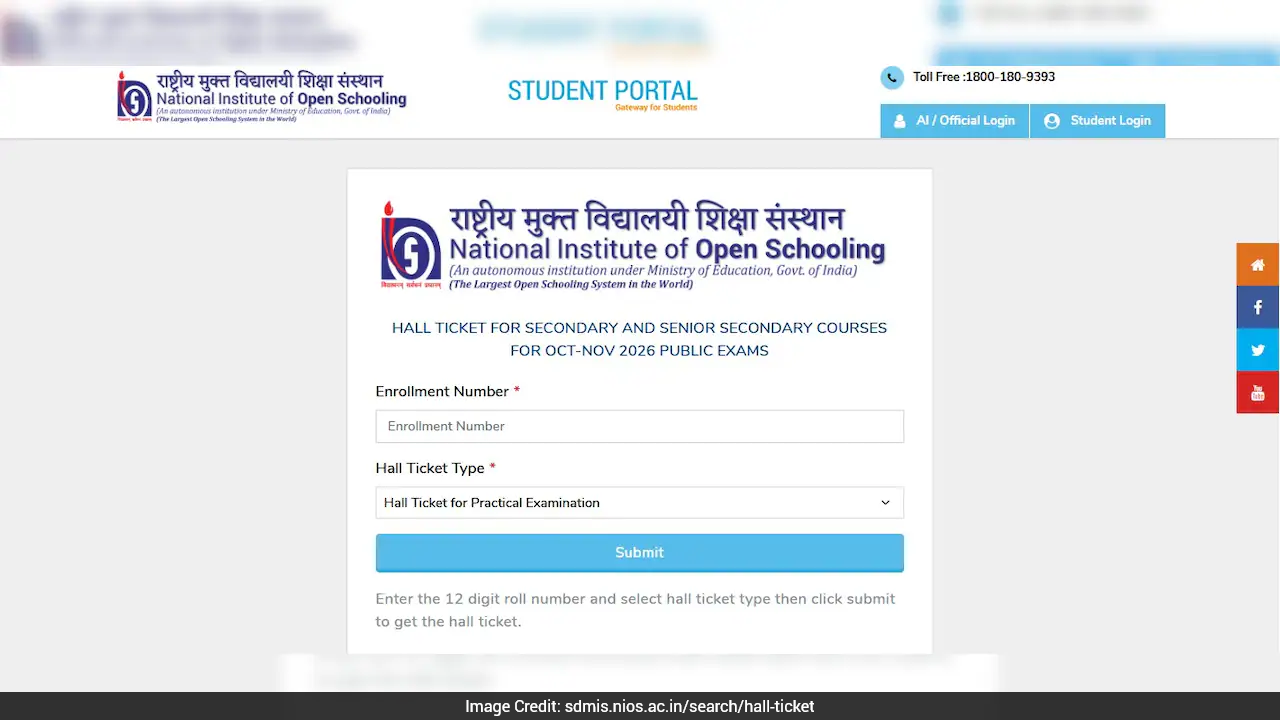
To download the admit card, students will have to enter their 12-digit registration number. The download facility is available for candidates registered under all streams.
NIOS has said that admit cards will be available only for students who have paid the examination fee and whose photograph is available in the NIOS records.
Students who cannot download their admit card because their photograph is missing from the database should contact their nearest NIOS centre.
NIOS Class 10, 12 Admit Card 2026: How To Download
Students can follow these steps to download their hall ticket:
Step 1: Visit sdmis.nios.ac.in.
Step 2: Find the Hall Ticket/Admit Card section on the homepage.
Step 3: Enter your 12-digit registration number.
Step 4: Select the admit card for the theory or practical examination.
Step 5: Click on Submit.
Step 6: The admit card will appear on the screen. Download it and take a printout for the examination.
Direct link to download admit card
Details To Check On NIOS Admit Card
After downloading the hall ticket, students should check all the details carefully. The admit card will contain:
- Candidate’s name
- Roll number
- Examination centre code
- Examination centre address
- Exam dates
- Exam timings
Show full article