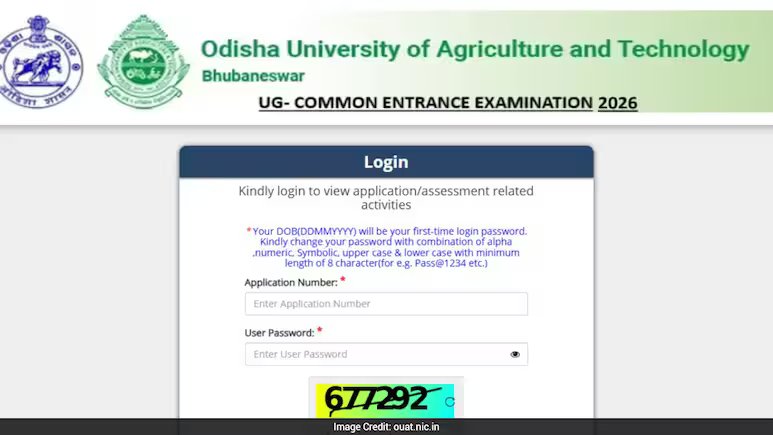
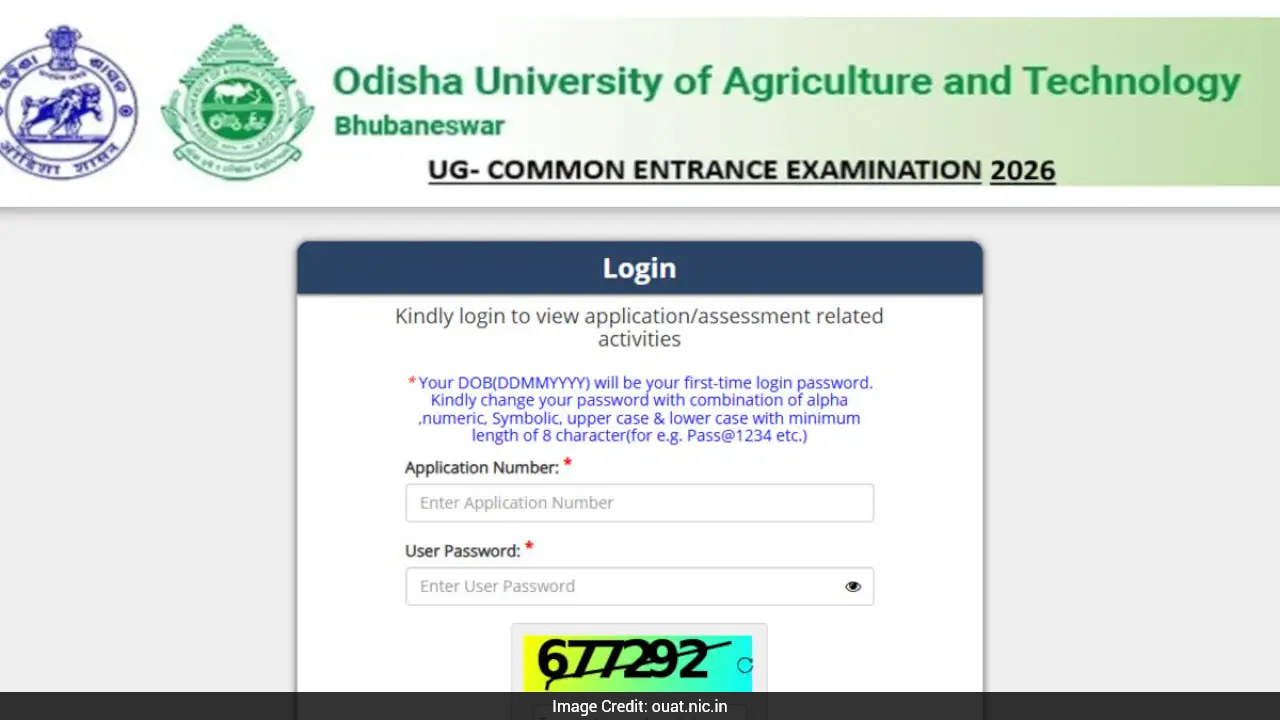
OUAT Admit Card 2026 released online; exam scheduled for July 1 and 2, 2026.
OUAT 2026 Admit Card: The Odisha University of Agriculture and Technology (OUAT) has released the OUAT Admit Card 2026 on its official website. Candidates who have successfully registered for the entrance examination can now download their hall tickets by logging in with their application number and password.
The OUAT 2026 entrance examination is scheduled to be conducted on July 1 and 2, 2026, at various examination centres across Odisha and selected centres outside the state. Candidates are advised to download their admit cards at the earliest and verify all details mentioned on the hall ticket before the examination.
Direct Link: OUAT 2026 Admit Card
How To Download OUAT Admit Card 2026?
Candidates can follow the steps given below to download the OUAT Admit Card 2026:
- Visit the Odisha University official website at ouat.nic.in.
- In the admission section, click on the “Click on the link to download the OUAT UG Common Entrance Examination-2026 Admit Card” link
- Enter the application number and password in the login window.
- Click on the submit button.
- The OUAT hall ticket 2026 will appear on the screen.
- Download and print the admit card for future use.
Details Mentioned On OUAT Admit Card 2026
Candidates must carefully check the details mentioned on the OUAT Admit Card 2026 after downloading it. The hall ticket will include:
- Candidate’s name
- Roll number
- Application number
- Photograph and signature
- Examination date and time
- Exam centre name and address
- Reporting time
- Exam day instructions
In case of any discrepancy in the admit card, candidates should immediately contact the university authorities for correction.
Show full article